

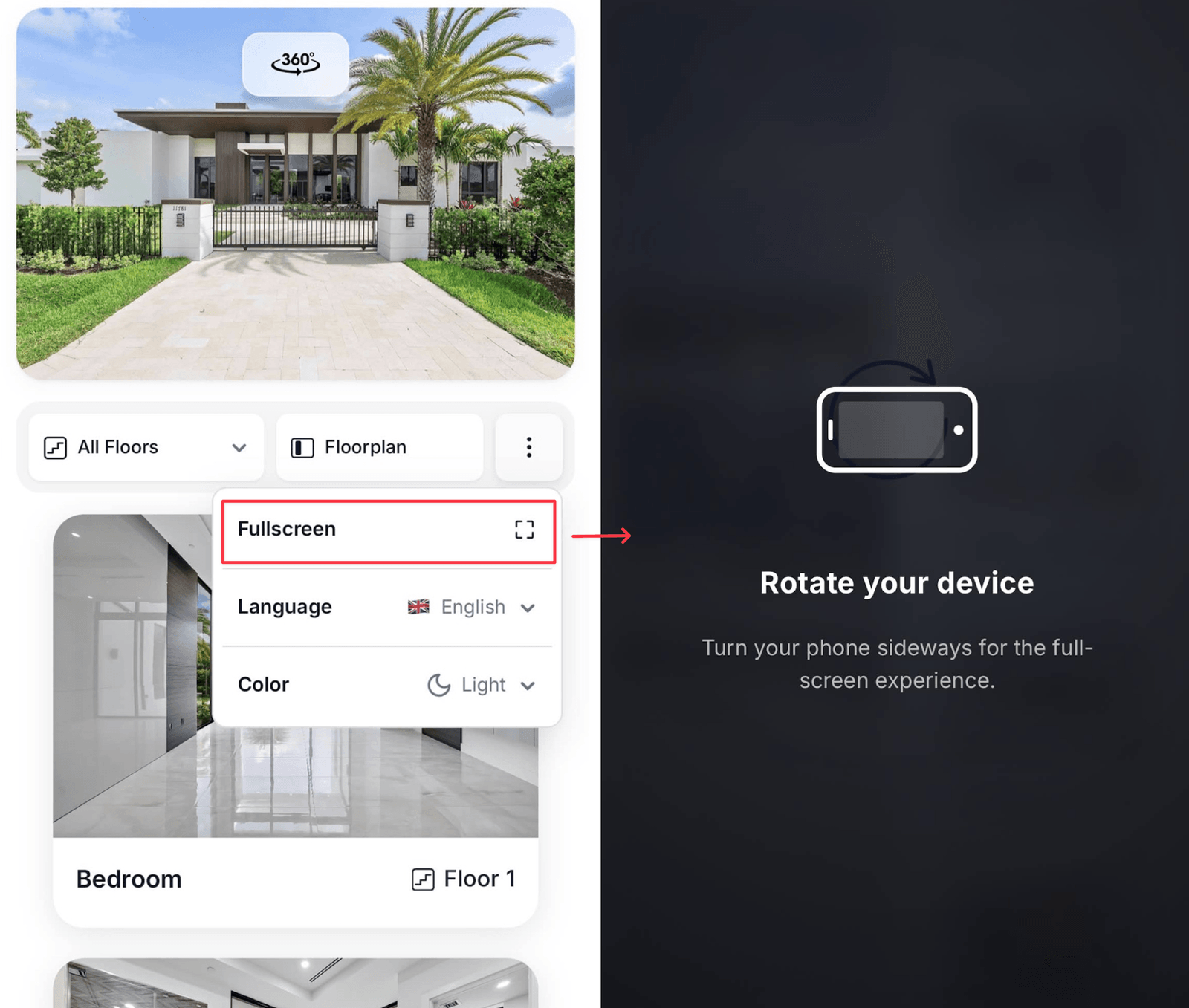
Panorama mode — the photo takes over the screen
Using it
- Open the ⋮ menu and choose Panorama
- Drag or swipe across the photo to pan
- On a phone, a hint suggests rotating to landscape for the full effect
- Close it from the same menu, or with Esc
When it helps
Panorama mode suits wide shots — an open-plan living space, a terrace, a view from a balcony. Anything where the interesting content runs across the frame rather than sitting in the middle. For genuine 360° content, use the 3D / 360° tour URL field on a room or an additional 360° exterior instead. Panorama mode is a presentation of a normal photo, not a spherical viewer.Notes
Inside an embed, panorama mode shares scroll gestures with the host page and can feel different from the standalone URL. Link to the public URL if the immersive view is central to your pitch.
- The Glass layout theme suits panorama especially well, since the browse panel floats over the image rather than sitting beside it.
- Photo quality shows here more than anywhere else. Use the largest, sharpest version you have — within the 10 MB limit.